Mentoring and Training Icon Pack: 200 Stylish Icons
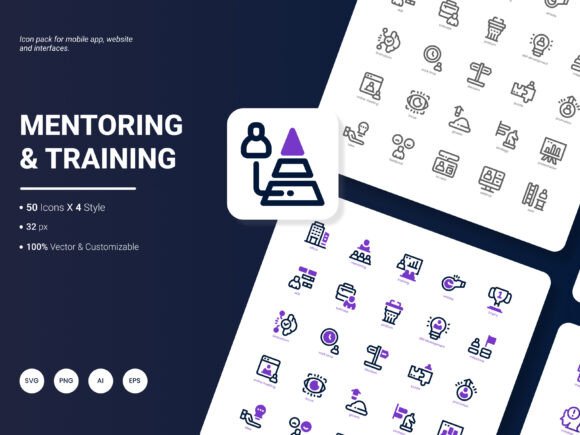
Finding the right visual language to communicate coaching, learning, and professional development can be surprisingly difficult. Stock libraries often feel generic, and custom illustration work rarely fits into fast-moving project timelines. The Mentoring and Training Icon Pack addresses this gap directly, offering a curated collection of 200 icons built around the concepts and scenarios that matter most in educational and guidance-focused design work.
What makes this set worth a closer look is not just the quantity but the intentional coverage of popular services and ideas. From one-on-one coaching sessions and workshop facilitation to digital learning platforms and career progression, the icons span a broad thematic range. You will find recognizable metaphors for goal setting, skill development, feedback loops, certification, and peer collaboration — all rendered in a cohesive visual style that holds together across different contexts.
What the Collection Covers and Why That Matters
Icon packs often fall short when they lack depth in a specific domain. You might get five or six training-related symbols buried among hundreds of unrelated business graphics. The Mentoring and Training Icon Pack takes the opposite approach by staying focused on its core theme. Among the 200 icons, you will encounter representations of mentorship relationships, training sessions, onboarding processes, knowledge transfer, workshop environments, and continuous learning cycles.
This thematic concentration means fewer compromises when you are building an interface for a coaching platform, designing slides for a corporate learning and development team, or assembling an infographic about educational outcomes. Instead of hunting across multiple sources and trying to force mismatched visuals to work together, you can pull from a single consistent library.
The visual treatment leans toward what can fairly be described as fresh and contemporary. Line weights feel balanced, proportions read clearly at both large and small scales, and the overall aesthetic avoids the dated look that plagues older icon sets. For brands and products that want to signal modernity without chasing fleeting design fads, this strikes a practical middle ground.
Format Flexibility and Real-World Editing Needs
One of the more practical aspects of this icon set is the range of file formats included. You receive the collection in AI, EPS, SVG, PNG, PDF, and JPG formats. This variety is not merely a checklist feature — it reflects the reality that different projects demand different file types at different stages.
Vector formats like AI, EPS, and SVG are essential for any work that might require scaling without quality loss. If you are designing a large-format banner for a training conference, a vector icon can be enlarged to billboard proportions without a hint of pixelation. The same SVG file can be used inline in a web application, where it remains crisp on high-DPI displays and can be styled with CSS to match brand colors or respond to user interactions.
Raster formats like PNG and JPG serve a different purpose. They are immediately usable in presentations, documents, and content management systems that may not accept vector uploads. Having PNG files with transparency support means you can layer icons over photographs or colored backgrounds in slide decks without dealing with white bounding boxes. The inclusion of PDF as a delivery format also makes sense for print designers who need to inspect or place individual icons within larger layouts using industry-standard tools.
Editable Source Files for Deeper Customization
Beyond format choice, editability sets this pack apart from flat, unchangeable icon sets. Since the source files are included and structured in ways that allow modification, you can adjust stroke widths, alter corner radii, recolor elements, or even combine multiple icons into composite illustrations. This level of control matters when your brand guidelines specify particular color palettes or when an icon needs to feel like a natural extension of an existing design system rather than an off-the-shelf addition.
A practical example: a corporate learning portal might need icons that use the company's primary blue instead of the default color. With editable vector files, that change takes seconds. Similarly, a mobile app designer might need to slightly simplify an icon for better legibility at very small touch targets. Having access to the original layered artwork makes such refinements entirely feasible without starting from scratch.
The Four-Style Advantage
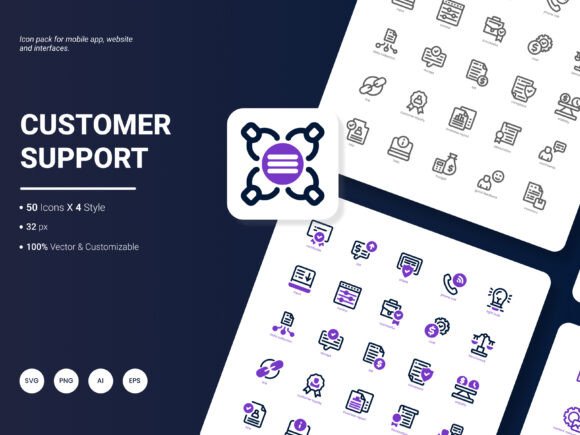
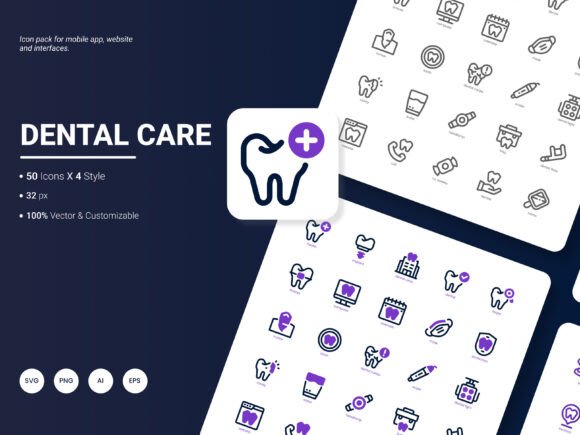
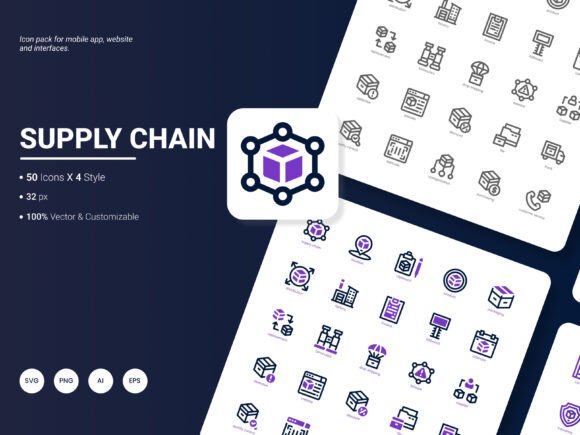
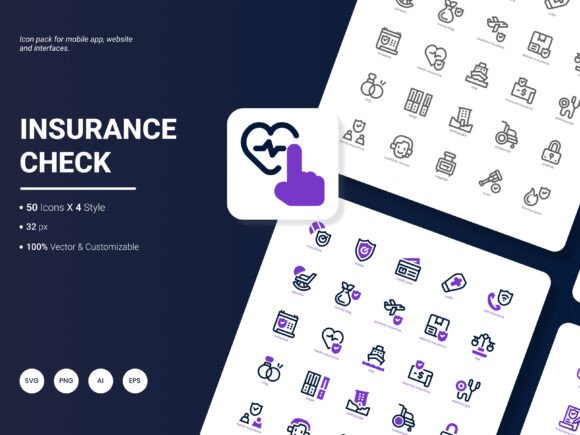
Another design consideration is the availability of four distinct visual styles within the same collection. While the exact style names are part of the product's specification, the practical implication is that you are not locked into a single aesthetic treatment. Different sections of a website might call for different icon styles — a bold, filled style for feature highlights on a landing page and a lighter, outlined style for inline UI elements within a dashboard.
This stylistic range also proves useful when the same content needs to appear across multiple mediums. A training company might use a detailed, colorful icon style in printed workbooks while employing a more restrained, monochromatic version in their mobile app's navigation. Consistency of metaphor combined with flexibility of appearance strengthens brand recognition without forcing visual monotony.
Practical Applications Across Different Fields
Understanding where these icons deliver value helps in evaluating whether the collection matches your needs. Let's walk through several concrete scenarios.
Digital Products and User Interfaces
For product designers and front-end developers working on educational technology, coaching marketplaces, or internal training platforms, icons serve as visual shorthand that reduces cognitive load. A well-chosen icon next to a menu item or feature description helps users scan and understand functionality faster than text alone. The Mentoring and Training Icon Pack supplies interface-ready assets for profile sections, course categories, progress indicators, achievement badges, and communication features — all within a coherent visual system.
Presentations and Slide Decks
Corporate trainers, HR professionals, and independent consultants spend significant time building presentation materials. Icons break up text-heavy slides, reinforce key points, and lend a polished, professional appearance that supports credibility. Rather than relying on the limited built-in icon sets in presentation software, importing custom icons that speak directly to mentoring and training topics elevates the visual quality noticeably. The PNG and JPG formats make this drag-and-drop simple for even the least technically inclined users.
Infographics and Data Storytelling
Analytical reports and infographics depend on visual elements to make data accessible and memorable. Icons representing different training modalities, learner demographics, or skill categories can transform a dense statistical report into something stakeholders actually want to read. The editable nature of the files means you can align icon colors with your data visualization palette, creating a seamless integration between narrative and numbers.
Marketing and Promotional Content
Marketers promoting coaching services, online courses, or training events need eye-catching visuals for landing pages, social media graphics, and email campaigns. Consistent iconography across these channels reinforces campaign identity and improves recall. Because the collection covers such a broad spectrum of mentoring and training concepts, marketing teams can build multiple assets from a single source without visual fatigue or repetition.
Selecting and Integrating Icon Packs Thoughtfully
Before purchasing any icon set, it helps to audit your actual needs. Consider the platforms where the icons will appear, the technical requirements of those platforms, and the design standards already in place. If your project demands both web and print output, the multi-format nature of this pack covers both bases. If brand customization is non-negotiable, the editable source files become essential rather than optional.
It is also worth thinking about future-proofing. Projects evolve, and an icon set that supports only a narrow use case today may feel restrictive tomorrow. The breadth of 200 icons combined with four styles and full editability offers room to grow, whether that means expanding into new content areas, refreshing the visual brand, or adapting to new device form factors.
Observations on Visual Communication in Training Contexts
Visual consistency in educational and coaching environments does more than look professional — it supports learning outcomes. When learners encounter the same icon for "completion" or "certification" throughout a course, the repetition builds familiarity and reduces the mental effort required to navigate materials. This principle applies equally to employee onboarding portals, customer education platforms, and academic e-learning environments. Investing in a dedicated, thematically relevant icon set contributes to a more cohesive user experience that quietly supports the primary goals of comprehension and retention.
The Mentoring and Training Icon Pack earns its place in a designer's toolkit by focusing on a specific domain and executing that focus with attention to practical details. The combination of thematic depth, format variety, stylistic options, and full editability addresses the real-world friction points that professionals encounter when sourcing and implementing icons. Whether you are shipping a mobile app, preparing a high-stakes presentation, or building a brand identity around coaching and development services, having a reliable visual resource for mentoring and training concepts saves time and strengthens the final output.
Looking Ahead: Suggestions for Future Updates
No icon set can cover every conceivable scenario, and thoughtful expansion keeps a collection relevant over time. Users who invest in this pack might find additional value in future updates that include more specialized icons around emerging topics like hybrid learning environments, AI-assisted coaching, micro-credentialing, or accessibility-focused training scenarios. Expanding the range of people-centric icons to reflect greater diversity in age, ability, and cultural context would also strengthen the pack's applicability across global audiences.
Additional file format support — such as icon font generation or Figma component libraries — could further streamline integration for teams working in specific design ecosystems. And while the current four styles offer solid variety, exploring animated icon variants for use in video content or interactive web experiences would open up new creative possibilities for an increasingly motion-oriented digital landscape.
For now, what exists is a well-constructed, practically minded resource that understands its audience. Designers, marketers, educators, and product builders who regularly work with mentoring and training themes will likely find the collection a dependable asset that slots neatly into existing workflows without demanding significant adjustment or compromise.