Digital Shop Icon Pack: 200 Icons for Modern Creators
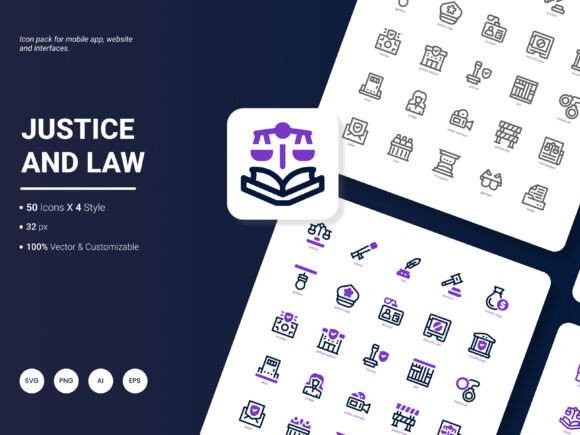
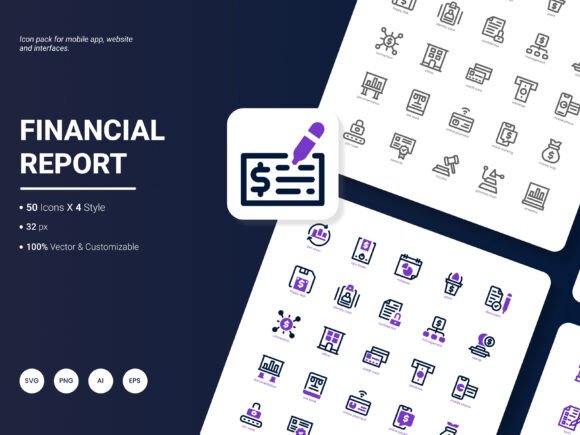
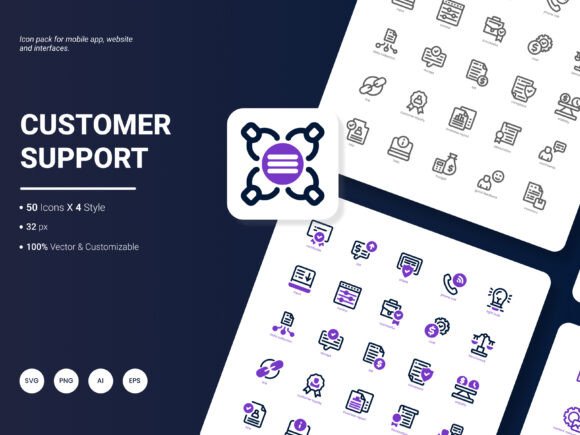
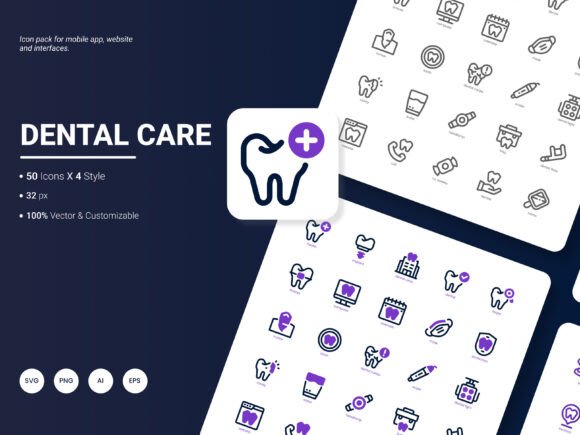
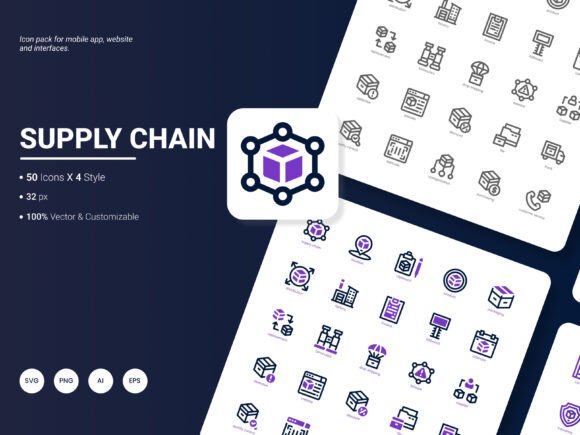
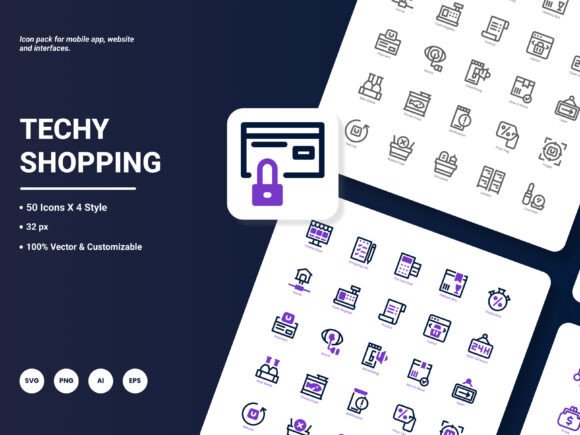
Finding the right visual elements can make or break a design project. If you’ve ever scrolled through endless icon libraries only to find outdated styles or limited file types, you know how frustrating that feels. The Digital Shop Icon Pack solves this by bundling 200 stylish icons into one carefully curated set that reflects how people work, shop, and connect online today. Every icon represents a popular service or idea—think online payments, cloud storage, social media, e-commerce, analytics, and more—so you can quickly communicate complex concepts without saying a word.
What Makes This Icon Collection Different
At first glance, 200 icons might seem like a typical number. But what sets the Digital Shop Icon Pack apart is its thoughtful combination of variety, format flexibility, and editability. Instead of forcing you into a single visual language, this pack gives you room to play and adapt. Whether you need a crisp outline for a mobile dashboard, a solid glyph for a presentation slide, or a colorful flat icon for a marketing landing page, the assets are ready to go.
Each icon is built with clean lines, balanced proportions, and a contemporary aesthetic. They feel fresh and trendy without being tied to a passing fad—important when your designs need to look relevant for more than a few months. Because the pack includes four distinct styles, you can maintain visual consistency across different platforms while still having the freedom to switch looks for a particular campaign or product section.
200 Icons Covering Popular Services and Ideas
The heart of the Digital Shop Icon Pack is its coverage. You’ll find icons for digital wallets, online booking, subscription boxes, delivery tracking, chatbots, video tutorials, membership cards, and many other concepts that mirror real-world digital interactions. This isn’t a random grab bag—each icon targets a need that designers, marketers, and small business owners frequently face when building modern interfaces or promotional materials. By including icons for both general and niche topics, the pack reduces the time you spend hunting for supplemental graphics.
Six File Formats for Seamless Integration
One of the biggest headaches in design is receiving an icon in the wrong format. With the Digital Shop Icon Pack, you’re covered across all major workflows. The download includes AI (Adobe Illustrator), EPS, SVG, PNG, PDF, and JPG files. Vector formats like AI, EPS, and SVG let you scale icons infinitely without quality loss—perfect for everything from tiny app buttons to large exhibition banners. Raster formats (PNG, JPG) are ideal for quick insertion into blog posts, social media graphics, or slide decks where you don’t need to edit paths. PDF versions serve as a handy bridge for sharing with clients or colleagues who may not have specialized software. This multi-format approach means you spend less time converting files and more time creating.
Four Styles to Match Different Brand Voices
Visual identity isn’t one-size-fits-all. A playful brand might lean on colorful, filled icons, while a corporate dashboard often calls for minimal line art. The Digital Shop Icon Pack addresses this with four distinct style variations for each icon. Although the exact terminology may vary, designers can typically expect a mix of outline, solid, flat color, and perhaps a duotone or gradient style. This flexibility means you can use the same icon set for a client’s website, then switch the style for their annual report or investor presentation without introducing inconsistent icon families. It’s a small detail that saves hours of manual restyling.
Fully Editable for Total Creative Control
Every vector file in the collection is easily edited. You can change stroke weights, adjust corner radii, swap colors, or combine elements to create completely new icons. Need to add a small badge to the “online store” icon for a special promotion? Open the AI or SVG file, make your tweaks, and export. This editability extends the pack’s lifespan because you’re not stuck with a fixed appearance. As your brand palette evolves or a client requests a custom accent, you can adapt the icons in minutes.
Practical Ways to Use the Digital Shop Icon Pack
The true value of any design asset lies in where and how you can apply it. Here are several realistic scenarios where the Digital Shop Icon Pack fits naturally.
Website and Landing Page Design: Use icons to break up text-heavy sections, illustrate service features, or guide visitors through a signup flow. For example, a SaaS homepage might showcase icons for “secure payment,” “24/7 support,” and “cloud sync” side by side to instantly convey key benefits.
Mobile App Interfaces: Navigation bars, tab menus, and onboarding screens benefit from consistent, legible icons. The SVG format is especially useful here because developers can embed the code directly, ensuring crisp rendering on any screen density.
Presentations and Pitch Decks: Replace bullet points with icon-supported statements to make slides more engaging. A slide about market growth could pair a “chart” icon with a “rocket” icon to visually reinforce momentum.
Analytical Reports and Infographics: Data-heavy documents often feel dry. Icons representing metrics like “revenue,” “users,” or “conversion rate” can turn a dense spreadsheet into a visually digestible story. Since the pack includes EPS and AI files, you can scale them to fit the layout without pixelation.
Print and Digital Templates: Whether designing a flyer for a pop-up shop, a digital coupon template, or an email newsletter header, having a ready library of relevant icons keeps your templates adaptable. Just swap the icon to match the current campaign theme.
Educational and Training Materials: Instructors creating online courses or tutorials can use icons to label modules, highlight tips, or summarize key takeaways. The clean aesthetic helps learners focus on content without visual clutter.
Who Benefits Most from This Icon Set?
The Digital Shop Icon Pack serves a wide range of people, regardless of technical skill level.
- Freelancers and solopreneurs juggle multiple hats. Having a dependable icon collection eliminates the need to commission custom illustrations for every project, saving both budget and turnaround time.
- Small business owners who manage their own websites or social media can quickly polish posts, ads, and product pages with professional-looking icons that mirror the services they actually offer.
- Bloggers and content marketers often need to spruce up long-form posts or downloadable lead magnets. A well-placed icon can increase engagement and make content scanning easier.
- Startup teams and product managers use icons for wireframes, prototypes, and investor materials. Because the icons are editable, they can tweak them to match evolving brand guidelines without starting from scratch.
- Educators and trainers find that visual cues enhance comprehension. Icons from this pack can label worksheet sections, highlight important deadlines, or illustrate case studies.
- Hobbyists and casual creators diving into design for personal projects get a high-quality starting point that feels approachable, not overwhelming.
Important Considerations Before You Download
While the Digital Shop Icon Pack is built to be versatile, a few practical points will help you make the most of it.
Software Compatibility: Vector formats like AI and EPS require compatible editing software such as Adobe Illustrator, Affinity Designer, or CorelDRAW. SVG files are more universally accessible and can even be edited with code or imported into presentation tools like PowerPoint or Google Slides. If you only need the PNG or JPG versions for simple tasks, you can work with almost any image viewer or basic editor.
Licensing and Usage Rights: Always review the license that comes with your purchase or download. Most icon packs allow commercial use in websites, apps, and marketing materials, but reselling or redistributing the icons as standalone files is typically prohibited. Understanding the terms upfront prevents legal headaches later.
Consistency Across the Set: Because the pack offers four styles, it’s tempting to mix and match within a single layout. However, sticking to one style per project usually results in a more cohesive design. Use the other styles for separate projects or to differentiate sections clearly.
Color Customization: The editable nature of the vector files means you can recolor icons to match your brand palette instantly. For raster formats like JPG or PNG, you’ll need to use photo editing software to adjust hues, which may be less precise. Plan accordingly if color matching is critical.
File Organization: With 200 icons and multiple formats, the total number of individual files can be large. Spend a few minutes sorting them into folders by style or format before diving into a project. Good file management saves frustration later.
How This Pack Simplifies Your Design Routine
Many creators underestimate how much time they lose searching for matching icons across different sources. A single mismatched icon can make an entire page look unprofessional. By offering a self-contained library, the Digital Shop Icon Pack lets you pull what you need without leaving your flow. The “popular content” focus means you’re rarely stuck looking for a generic placeholder—chances are, the exact concept already exists in the set.
Additionally, because the icons are designed to be amazingly fresh and trendy, you avoid the stale look that plagues older icon libraries. This matters especially in sectors like e-commerce, fintech, and digital services, where users expect a modern interface. Even subtle touches—rounded terminals, slightly thicker strokes, contemporary metaphors—signal that a brand is current.
Looking Forward: Ideas for the Next Update
No design collection is ever truly complete, and user feedback shapes the best evolutions. When thinking about what could enhance a future release of the Digital Shop Icon Pack, several practical additions come to mind.
Many users would appreciate animated versions or Lottie files for micro-interactions in apps and websites. A subtle hover animation on an icon can elevate user experience significantly. Another highly requested feature is dark mode variants, where icons automatically adapt to inverted color schemes—something increasingly common in operating systems and apps. Expanding the subject range to include emerging digital services like electric vehicle charging, telehealth, or decentralized finance would keep the pack relevant for forward-thinking projects. Finally, providing a Font Icon format (such as a web font or icon font) could offer developers an even simpler integration path for web projects.
If you have specific suggestions on what to prioritize, the creators welcome your input. After all, the people using the icons day in and day out know best which gaps need filling. Your feedback could directly shape the next update, ensuring the Digital Shop Icon Pack remains a go-to resource for designers, marketers, and business owners alike.